

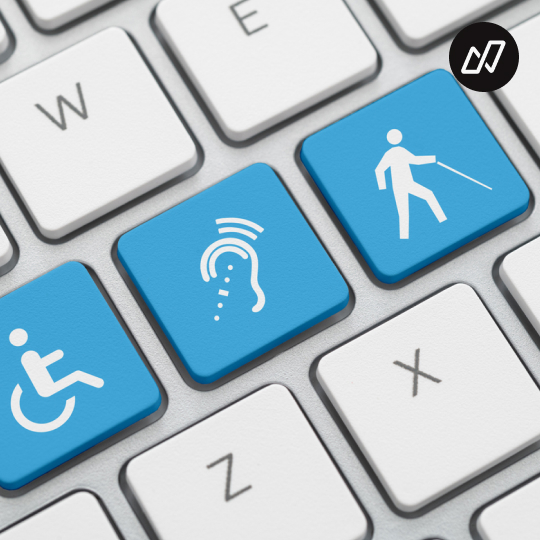
AI Can Build Faster, But Can It Build for Everyone?
Imagine trying to order dinner, buy a coat, or book a train ticket, only to find that the buttons won’t work with your keyboard, the text is impossible to read, or a screen reader can’t make sense of the page. These may be routine actions for people without disabilities. For someone facing a visual, hearing, physical, or cognitive barrier, they can become frustrating or even impossible.
And disability isn’t always permanent. A broken arm can make a touchscreen difficult to use. Bright sunlight can make a low-contrast screen hard to read. A noisy station can make audio instructions useless. Many of us will encounter barriers at some point, whether temporarily, situationally, or as we age.
Any one of us could acquire a disability at any time. It might happen suddenly, through an accident or illness, or gradually as we age and our vision, hearing, mobility, or cognition changes. That possibility is deeply personal. So is accessibility. When we recognize how much accessible design can mean to us, to our communities, and to our organizations, pursuing it becomes more than the right thing to do. It becomes an act of enlightened self-interest.
That perspective matters even more in the era of AI. We can now generate interfaces, content, and code at remarkable speed. But speed doesn’t guarantee that what we create works for the people who need to use it. The central question is not only what AI can build, but who it is building for.
Accessibility is about everyday independence
Accessibility is often treated as special feature or a final checklist item. In reality, it determines whether people can take part in everyday life independently.
A well-designed online shop can help someone with low vision find a product, understand its details, and complete a purchase. Clear instructions can help a person with cognitive disabilities navigate a form. Captions can make a video accessible to someone who is deaf, while keyboard support can help someone who cannot operate a mouse.
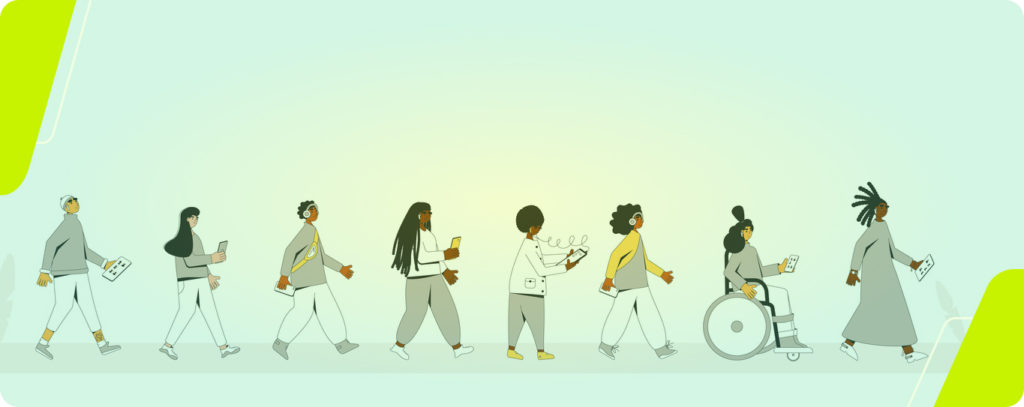
These features often benefit more people than we initially expect. Captions are handy when watching without sound, strong contrast makes screens easier to read outdoors, and simple language helps when we’re tired, distracted, or unfamiliar with a subject.
Accessibility is not about designing for a tiny group at the edges. It is about recognizing the range of human needs and making sure technology doesn’t turn ordinary tasks into obstacles.
What accessibility regulations mean
Accessibility laws help turn inclusion from a voluntary aspiration into a practical responsibility. In Europe, the European Accessibility Act (EAA) aims to harmonize accessibility requirements across the EU. Before common rules, businesses could face different requirements in different countries, making it harder to sell products and services across borders. Harmonization supports the single market and helps people encounter more consistent accessibility when using services across Europe.
In Austria, the Accessibility Act (BaFG) sets out how the requirements apply nationally, including matters such as supervision, exemptions, and penalties. The Web Content Accessibility Guidelines (WCAG), developed by the W3C, provide technical criteria for making web content accessible for example, sufficient colour contrast, keyboard operability, and compatibility with screen readers.
Put simply, laws establish obligations, while WCAG helps teams understand how to meet them in practice. Regulations are important, but compliance should be a foundation, not the finish line. A service can meet technical criteria in some areas and still be confusing or difficult for real people to use.
AI is changing how software gets made
AI tools can draft code, generate layouts, write content, and speed up repetitive development tasks. That can make it easier to build and improve digital services. It can also make it easier to produce inaccessible one, at greater speed and scale.
AI systems learn from patterns in their training data and the instructions they receive. If those patterns assume a “normal” user who sees a screen, uses a mouse, hears audio, and processes information in a particular way, the results may quietly exclude people who interact differently.
A generated interface might look polished while relying on colour alone to communicate meaning. A code suggestion might create a control that works with a mouse but not a keyboard. Automatically written content might be vague, overly complex, or poorly structured for assistive technology.
The issue is not that AI deliberately excludes people. It is that convenience and speed can become the default measures of success unless teams deliberately include accessibility in their goals. We’re teaching AI to build for humans, but which humans are we asking it to imagine?
Looks accessible isn’t the same as being accessible
Automated tools are useful, but they can’t tell us everything about someone’s experience.
While looking for a website to demonstrate accessibility barriers, I found one that showed zero errors in WAVE, a widely used automated accessibility evaluation tool. Yet a quick human check, with human eyes and human hands, revealed barriers the tool hadn’t detected.
That experience is a useful reminder: zero detected errors does not mean zero barriers. A tool may identify missing labels or contrast problems, but it can’t fully judge whether a keyboard journey makes sense, whether instructions are understandable, or whether a screen reader experience feels coherent.
AI powered testing has similar limits. It can flag likely issues and help teams investigate, but a clean report is not proof that a service works well for everyone. Accessibility testing needs human judgment, real assistive technology, and input from disabled users and not only automated scores.
Where AI can help and where people must lead
AI can be a valuable assistant in accessibility work. It can help draft alt text for a person to review, suggest test-case ideas, summarize findings, explain WCAG requirements, or propose code improvements. These uses can reduce repetitive effort and help teams get started.
But AI output needs scrutiny. Alt text must communicate the purpose of an image in its context; a generic description may miss what matters. A suggested fix might address a technical symptom while leaving the user journey broken. And no AI-generated report should be treated as a final accessibility compliance decision.
Some tasks demand direct human evaluation. For example:
- navigating complete keyboard flows
- assessing meaningful alternatives
- understanding screen reader usability
- deciding whether people can actually complete their goals.
Testers aren’t becoming less important. Their work is shifting toward asking better questions, interpreting evidence, and checking whether a fix improves someone’s experience.
The strongest approach combines tools and people: automate what can be checked reliably, involve disabled users, test with assistive technologies, and keep accessibility in the design and development process, not only at the end.
Build for people, not just for speed
AI can accelerate development
That makes it more important, not less, to make accessibility part of how we build. If inclusive design is postponed until after a product is generated, teams may have to retrofit basic access into systems that were never designed to support it.
Start early
Use accessible components. Check keyboard access and content structure as features are developed. Treat automated findings as clues, not verdicts. Make room for people with different abilities to test the things your team creates.
Technology is never used by an abstract average person
It is used by people with different bodies, senses, skills, environments, and needs. AI can help us create software more efficiently, but it cannot decide on its own whose needs count.
That responsibility belongs to the people building and testing the software. The goal isn’t simply to make AI build faster. It’s to make sure what we build remains usable by the humans it is meant to serve.
At nextpertis, we’ve successfully developed a shift-left accessibility strategy that brings accessibility testing into regular testing cycles. This makes accessibility part of the quality definition for your digital product or service, helping teams detect issues earlier, when they’re easier and less costly to fix. We also apply the principle of continuous accessibility testing to help prevent regressions over time. To learn more, contact us for a free initial consultation.

